Translate Your Articulate Storyline Projects
Professional, secure translation for your Storyline 360 projects. Expand your reach to global audiences with accurate translations in 130+ languages while keeping all interactions intact.
Simple workflow
Translate your Storyline projects in 4 simple steps
Our efficient process makes translating Articulate Storyline projects quick and straightforward.
- 1Export from Storyline
Export your project as an XLIFF file from Articulate Storyline 360.
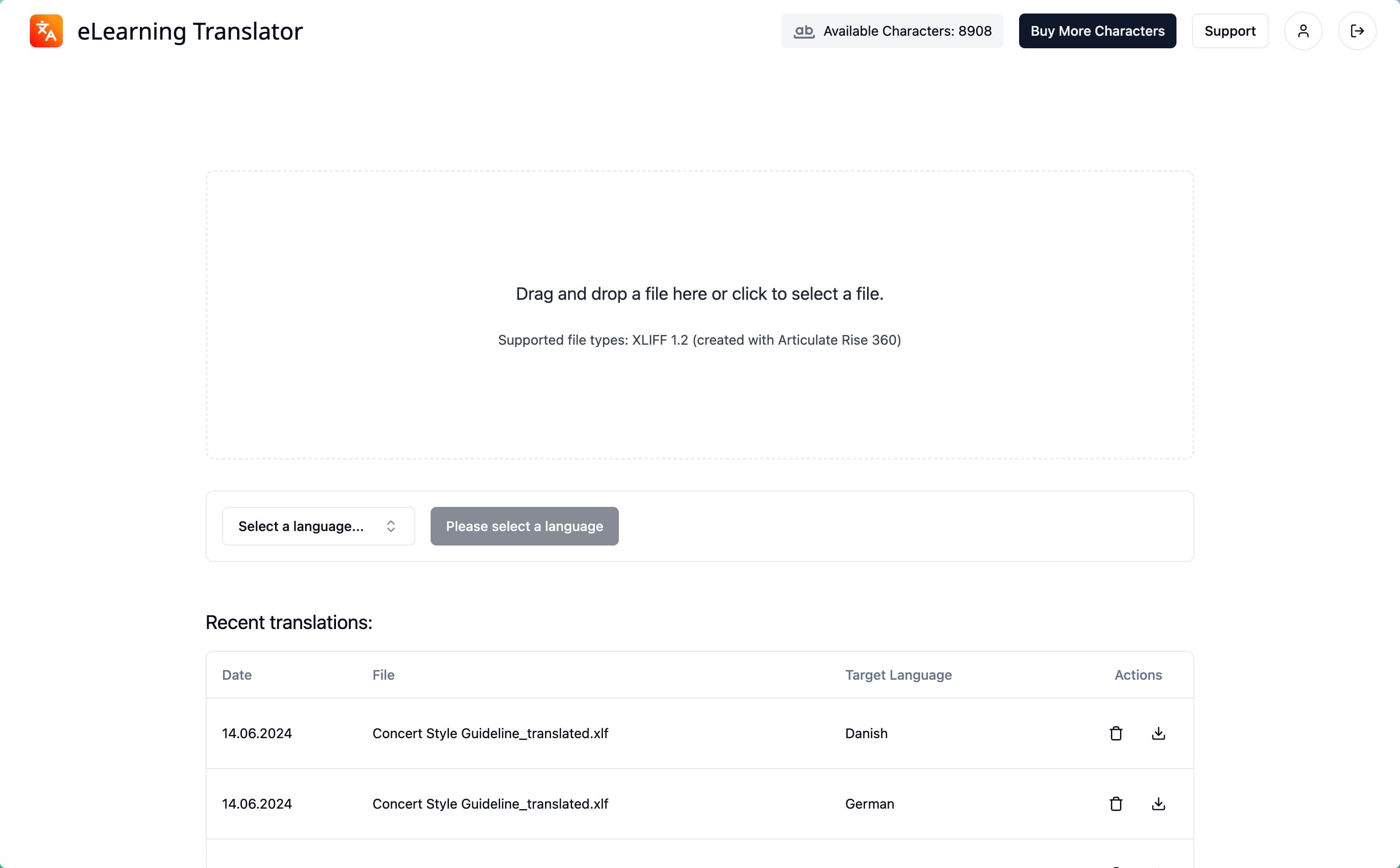
- 2Upload & Select Language
Upload your XLIFF file and choose your desired target language.
- 3Receive Translation
Download your professionally translated XLIFF file within minutes.
- 4Import to Storyline
Import the translated XLIFF back into your Storyline project.
Trusted solution
Enterprise-grade Storyline translation
Organizations worldwide trust us to translate their interactive Storyline content for global learners.
- Instant Translation
- Translate your Storyline projects in minutes. Our automated workflow delivers high-quality translations without the wait.
- Maintains Project Structure
- All your Storyline slides, interactions, and variables stay intact. We translate the text while preserving your project structure.
- Industry-Leading Translation
- Using DeepL and Microsoft translation engines to ensure accuracy and natural-sounding translations for your learners.
- Security & Privacy
- Your Storyline content is handled using industry-standard security measures and carefully selected infrastructure across providers in the EU and the United States, with safeguards for international transfers where required.
- Global Language Support
- Expand your Storyline projects to 130+ languages and reach learners worldwide with localized content.
- Credit-Based Pricing
- Only pay for translations you need. No subscriptions, no hidden fees, just transparent credit-based pricing.
Using Articulate Rise instead?
Translate Articulate RisePricing
Simple pricing for every translation
Business customers can purchase credits whenever they need more translation capacity.
Package S
A focused credit package for small course updates and one-off translation jobs.
€30/25,000 characters
- Good for about 200 slides
- No subscription, pay only for what you use
- Over 1,000 language combinations
- Translate into over 130 languages
Credit Packages
Most popular
Purchase additional credits when you need them. Start with Package S for €30 and scale up whenever you need more volume.
€30/25,000 characters
- Good for about 200 slides
- No subscription, pay only for what you use
- Package M: €60 for 100,000 characters
- Package L: €160 for 300,000 characters
- Package XL: €450 for 1,500,000 characters
- Security-focused infrastructure and support
Enterprise
Dedicated support and infrastructure for your company.
Custom
- Priority support
- Phone and email support with the founder
- Pay by invoice
- Custom workflows
All prices shown are net prices for business customers and exclude VAT or similar indirect taxes unless stated otherwise. Applicable tax is added at checkout or invoiced separately where required.
Articulate Storyline Translation FAQs
Questions about translating Storyline projects? Reach out to us.
- How do I export XLIFF from Articulate Storyline?
- In Articulate Storyline, go to the 'File' menu, select 'Translation' and then 'Export for Translation'. Choose XLIFF format and upload the file to eLearning Translator.
- Will my Storyline interactions remain functional?
- Yes! The translation only affects the text content. All your slides, triggers, variables, and interactive elements remain fully functional and unchanged.
- What's the typical turnaround time?
- Most Storyline projects are translated in seconds to minutes. The exact time depends on your project size, but you'll get instant access to your translated file once ready.
- Can I translate to multiple languages at once?
- You can translate your Storyline project to any of our 130+ supported languages. Translate one language at a time for the best results.
- How do I re-import the translation into Storyline?
- After receiving your translated XLIFF, go to File > Translation > Import from Translation in Storyline. Select your translated file to apply the translations to your project.
Build for a global audience.
Translate Rise and Storyline courses with ease.
Create your workspace and purchase translation credits when you are ready to launch multilingual courses.